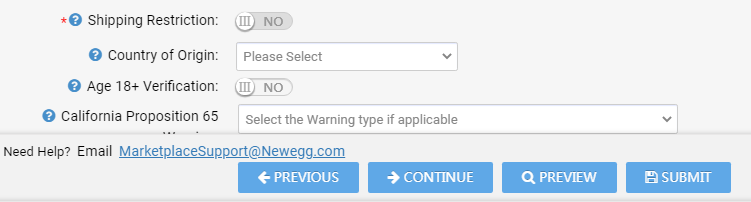
Seller Portal 原产国更新 卖家门户 您可以更新一个商品的 Country of Origin,请参阅以下步骤。 步骤: 前往Seller Portal > Manage Items > Item List. 点击SEARCH以便将您的商品列出。 在操作列,点击编辑图标。 规格信息选项卡将包含原产国字段,点击此选项卡。 转到 Country of Origin 字段并选择一个国家,点击SUBMIT更新。 Updated on 10月 17, 2025 Tagged: Country of OriginSeller PortalSeller Portal Country of Origin Was this article helpful? Yes No