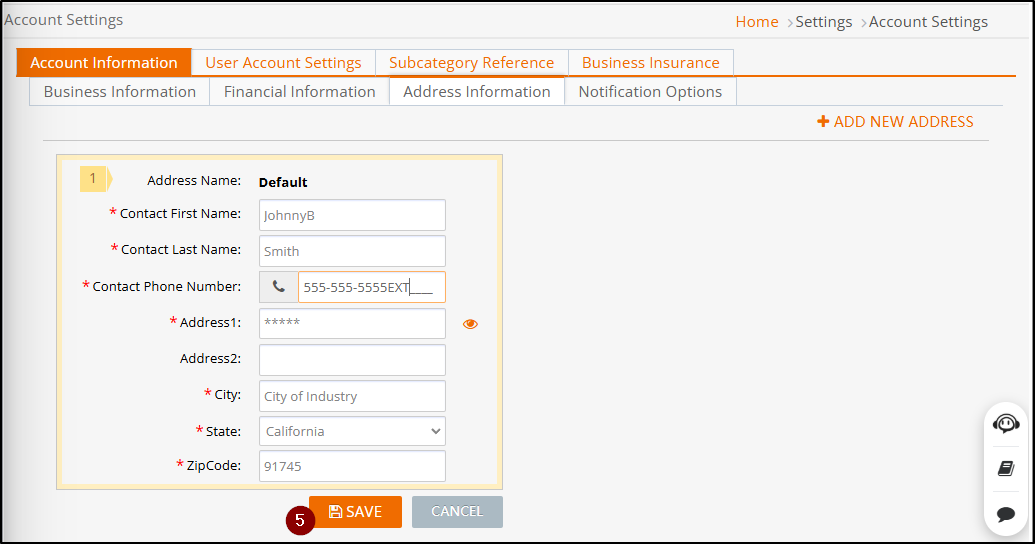
Address Information contains seller’s contact information.
Available platforms: Newegg.com, Neweggbusiness.com, Newegg.ca
How-To:
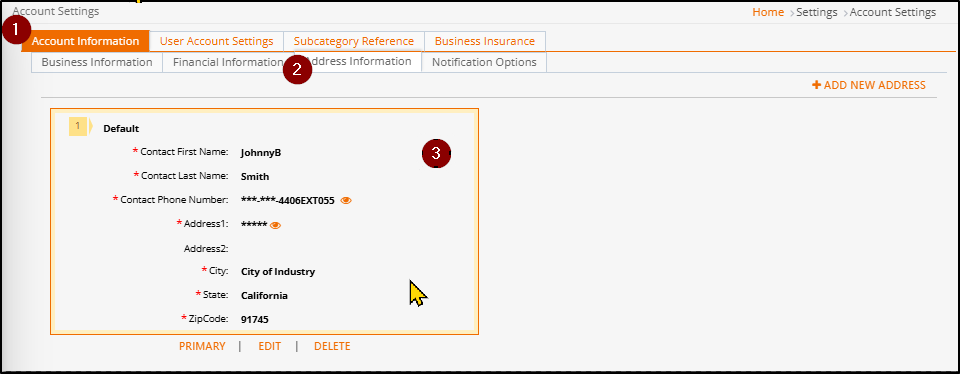
- Go to Seller Portal and hover your mouse pointer over your user name (upper right corner) then select Account Settings > Account Information
- Click on the Address Information tab.
- Seller’s can have multiple addresses. To edit one do the following:
- Mouse over to an address
- The controls for address edit will appear
- Click PRIMARY to make that the main address used
- Click EDIT to make updates to that address
- Click DELETE to remove an address if needed
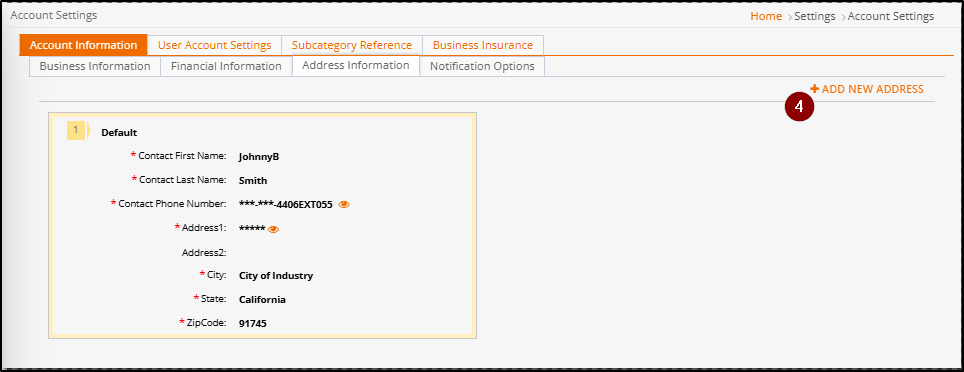
- To add an address click ADD NEW ADDRESS.
- Click SAVE to update.