
Effective January 1st, 2026, Newegg will be charging item overage fees per sellers’ membership level. This feature allows sellers to upload past the item limits within their current membership level. Click the link to learn more about our Elite Seller Program.
How to Enable
By default, sellers are not enrolled in Item Overage. Sellers can choose whether to enable this feature and can opt in or opt out at any time. Opting out will revert your Seller Portal experience to not include Item Overage charges. To enable and view more details on how Item Overage works, please visit Enable Item Listings Overage.
Fees
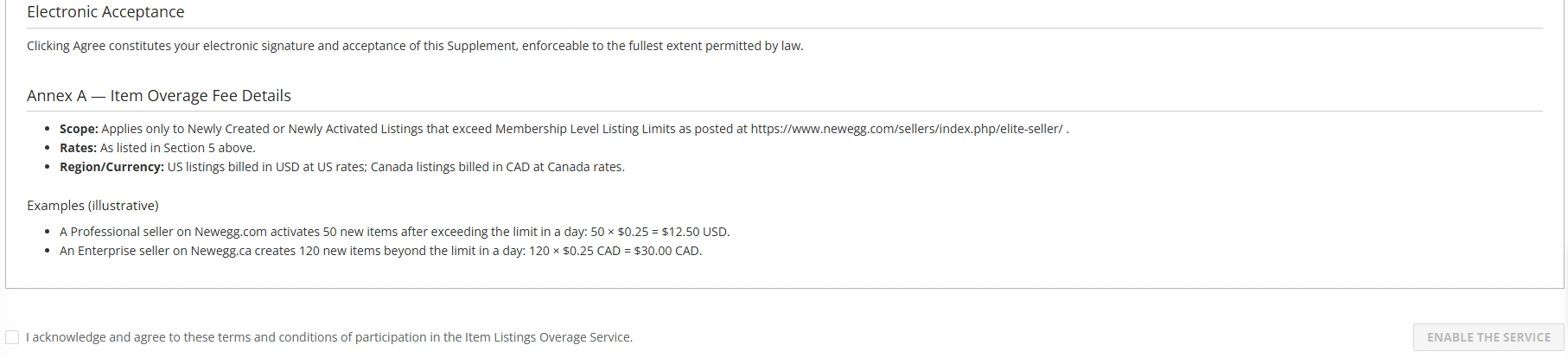
Item overage fees are as follows per Elite Seller membership level (taxes extra):
United States (Newegg.com; Neweggbusiness.com; USD)
-
- Non-Elite: $0.30/item
- Professional: $0.25/item
- Enterprise: $0.10/item
Canada (Newegg.ca; CAD)
-
- Non-Elite: $0.40 CAD/item
- Professional: $0.35 CAD/item
- Enterprise: $0.25 CAD/item
Where to View/Download
Once enabled, sellers can view item overage charges in the following:
- Payments Summary: Item Overage is included as part of Merchandising Fee.


- Payments Transaction Detail: After toggling Advanced Search, select Listing Overage Fee under the Transaction Type filter. Clicking the date link in the column “Newegg Item #/Batch #” downloads an Excel file containing items included in the current invoice.

