
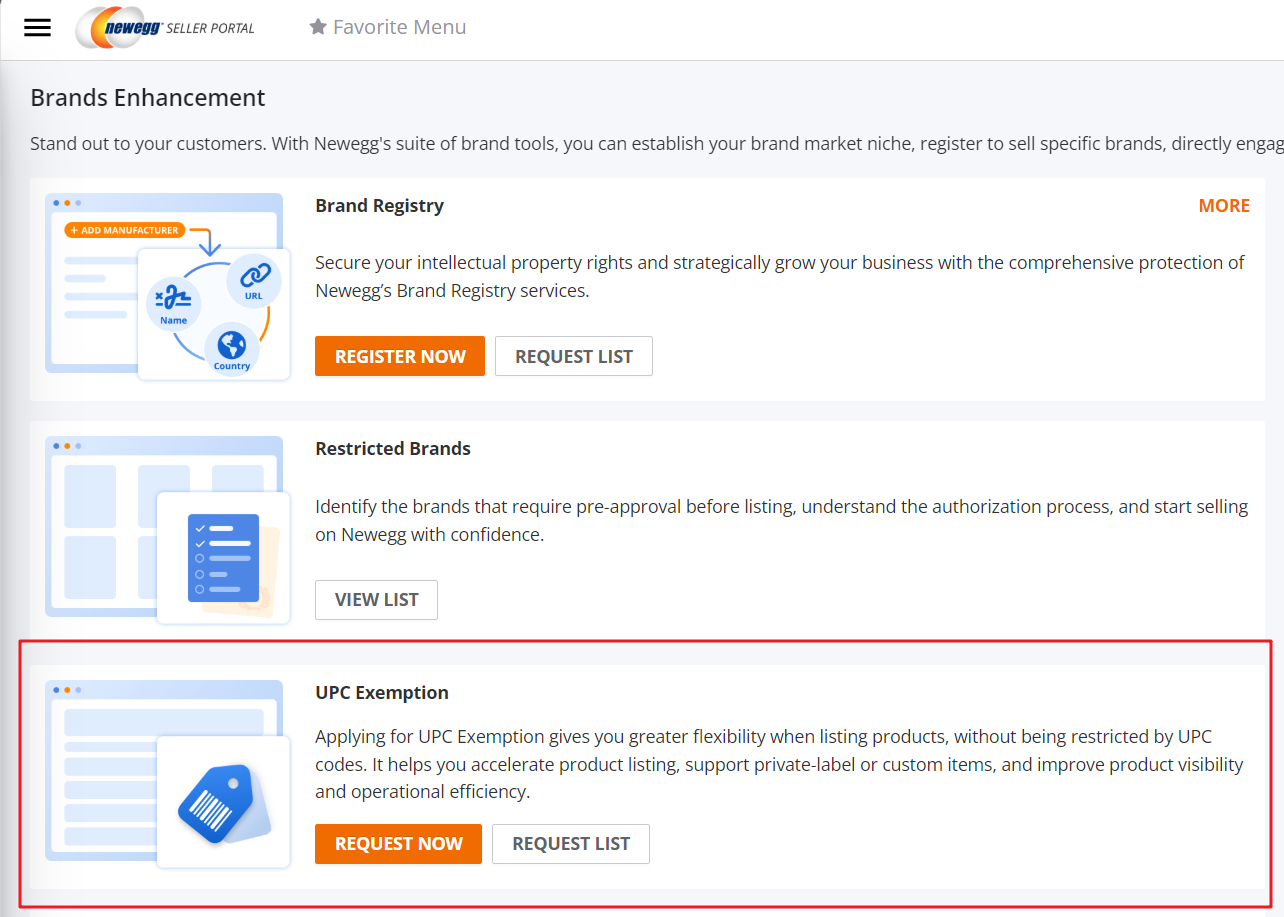
UPC exemption process allows for sellers who have items that do not require a UPC to apply that to their listing. This process is located on the Brands Enhancement page.
UPC Exemption page assists sellers by:
- Centralizing all UPC exemption requests for the seller in one place.
- Simplifies the submission and review workflow for the seller.Available platforms: Newegg.com, Neweggbusiness.com, Newegg.ca
How To:
- Navigate to Brands > Brands Enhancements to find the Brand Authorization section.
- Select UPC Exemption
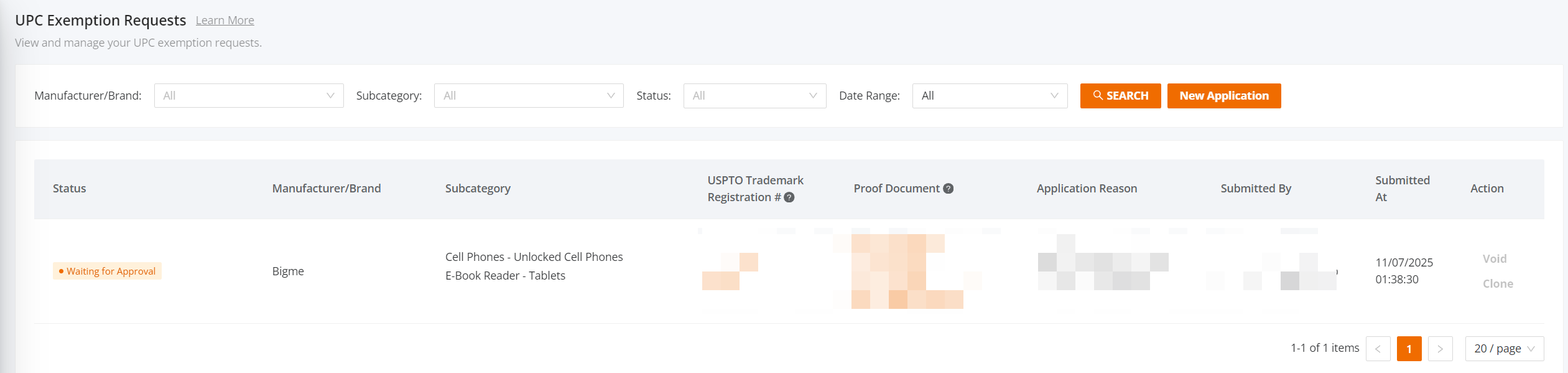
- By clicking “New Application”, sellers can start a new exemption request. Applicants must provide supporting materials such as a USPTO Trademark Registration number or other proof documents. (Sellers must prepare valid proof documents before submission.)
These are the required proofs accepted for UPC exemption review:- Seller must provide brand sales authorization documents from direct manufacturer
- Clear visible UPC exemption authorized documents from manufacturer (if available)
- Physical product and product packaging
- USPTO # registered
- Photos of the actual product and images of ALL angles of the packaging
- Image must show Brand name and labels on the packaging
- Product subcategories – indicate how many subcategories seller is providing
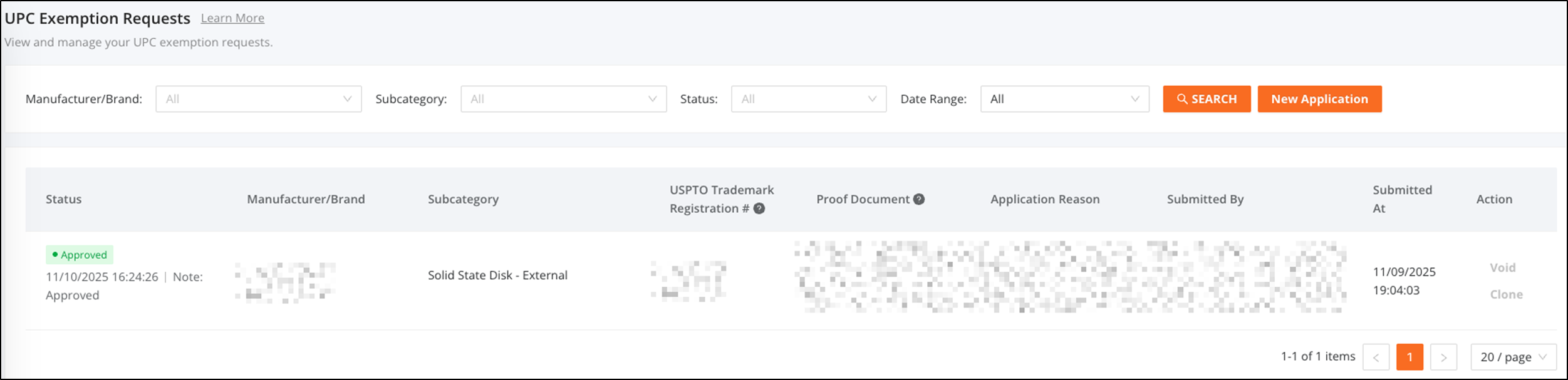
- Approved applications will automatically enter the official exemption list.
- Note: Sellers will want to prepare for the exemption process prior to using Create New Item 3.0.


