What is Combo?
Combo lets you bundle two or more items into a promotional package. When a customer buys the qualifying items together in one order, they automatically get a discount off the combined price.
Available platforms: Newegg.com, Neweggbusiness.com, Newegg.ca
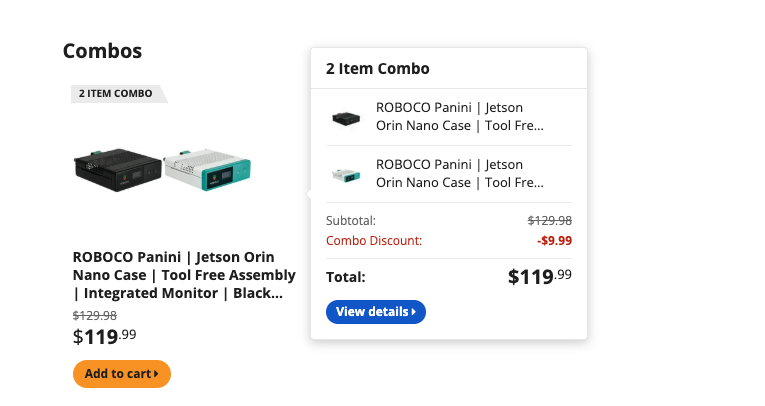
On the storefront, a combo can look different depending on how you set up groups.
Multiple groups – The storefront shows items from each group together as one combo package.
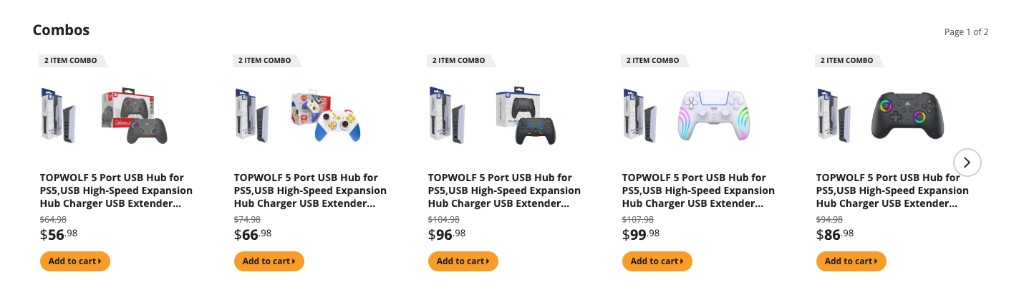
One group with multiple items – The storefront shows the items in that group as choices in the same combo.
Combo Types
- Item + Item – Create one or more Item Groups, each with its own items and discount. A customer completes the combo by buying one item from each group in the same order; the discounts from all groups combine.
- Item + Subcategory – Create one Item Group (with items and a discount), paired with a Subcategory instead of a second group. A customer completes the combo by buying one item from your group plus any item from that subcategory. The subcategory side cannot have a discount, since pricing varies too much across its items.

Key Rules
- Item + Item: up to 20 groups. Item + Subcategory: 1 item group + 1 subcategory.
- Up to 9 items per group; up to 20 items total per combo.
- Each Item Group discount must be greater than $0 and less than the item price.
- A shipping method and a Start/End Date range are required.
- If an item has an overlapping active/upcoming Pre-order schedule, saving the combo will be blocked until the conflict is resolved.
- New combos start as Pending and become active automatically on the Start Date.
One Group vs Multiple Groups
One group and multiple groups work differently. Multiple groups means the customer must buy items from all groups in the same order. One group with several items means the customer can pick any one item from that group to buy together.
How to Create a Combo
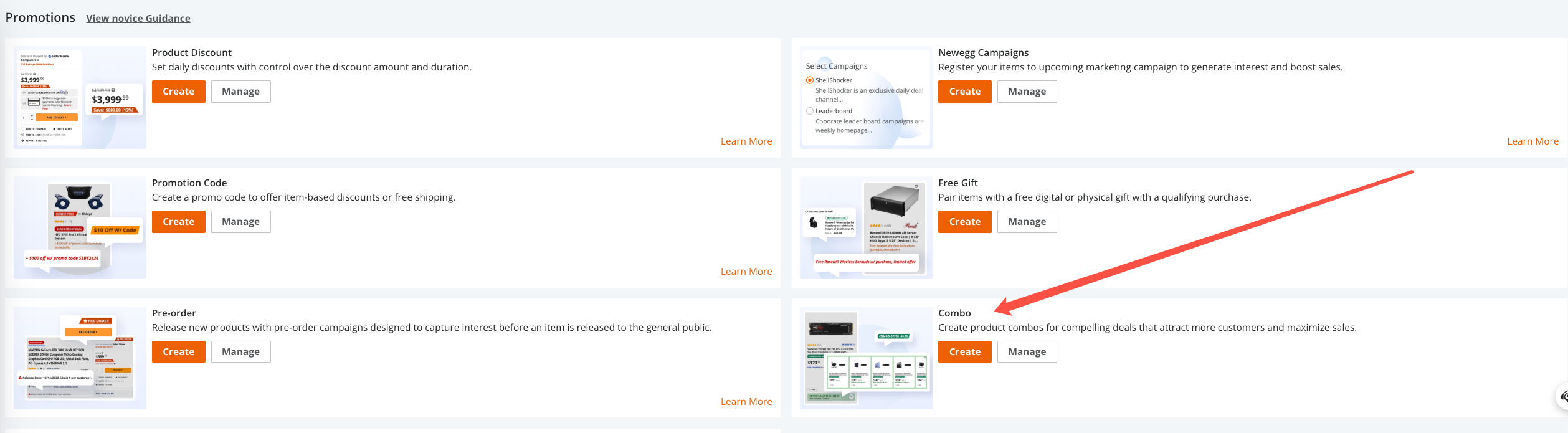
Access the tool – Go to Marketing > Promotions, find the Combo tile, and click Create (or Manage to edit existing combos).
Combo Information – Enter a Combo Description, choose Combo Type (Item + Item or Item + Category), select Shipping, and set Start/End Date. Click Next.

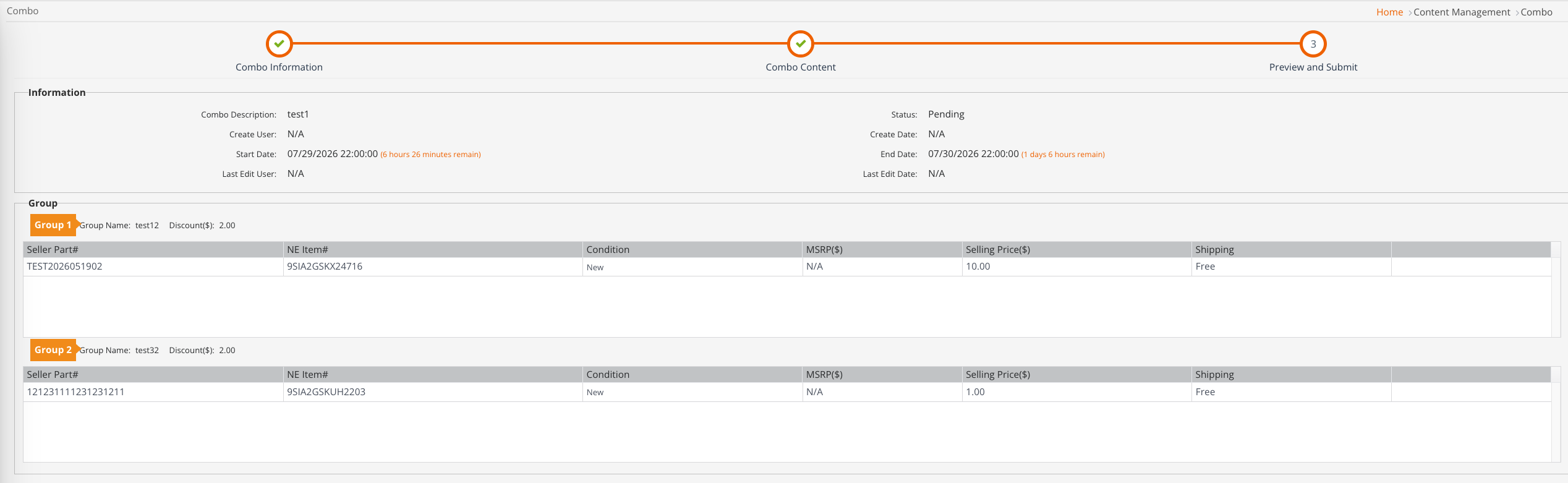
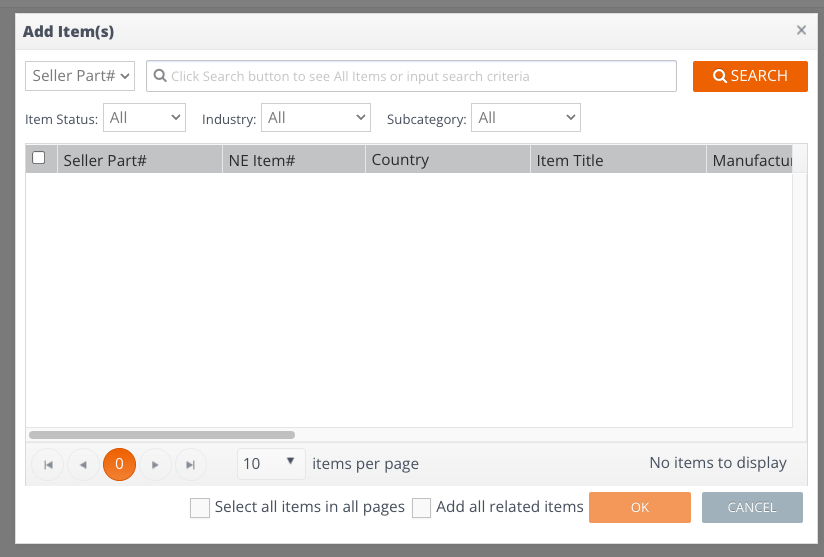
Combo Content – Enter a Group Name and Discount, click ADD, then click ADD ITEM(S) to search and select items (by Seller Part# or filters), and click OK. Repeat for additional groups if using Item + Item. Click Next.

Preview and Submit – Review the description, dates, groups, items, prices, and shipping, then submit. Manage your combo anytime under Promotions > Combo > Manage.